DSH-first · Terminal-native · Cordis plugins
See exactly what your agent is doing — in the terminal.
Martty is a high-performance Agent TUI for DeepSeek Harness and other ACP-compatible coding agents (rendered in Rust / ratatui) that presents streamed reasoning, tool calls, subagents, token usage, and durable sessions; images join prompts from files or the clipboard. Themes, views, commands, and interactions are composed from Cordis plugins instead of being welded into the shell.
Browse the ACP Registry to configure harnesses. Keep drafts and queues separate across session tabs within one connection. Authentication and history restoration follow the capabilities and results reported by the agent.
How to install
The Martty npm package requires Node.js 22.19+; agents may need additional runtimes. The first launch defaults to DSH. Later launches can use your saved harness default.
Global install (recommended)
$ npm install --global martty
$ martty
No global install
$ npx --yes marttyAlready on DSH: install into a dedicated profile
$ npm install --global @deepseek-ai/dsh
$ dsh plugin --profile martty add martty@latest
$ dsh --profile martty
Just preview the interface (no runtime or API key)
$ martty --demo
$ martty --demo-skin
`--demo-skin` uses the built-in ember skin to show off theme switching.
UI overview
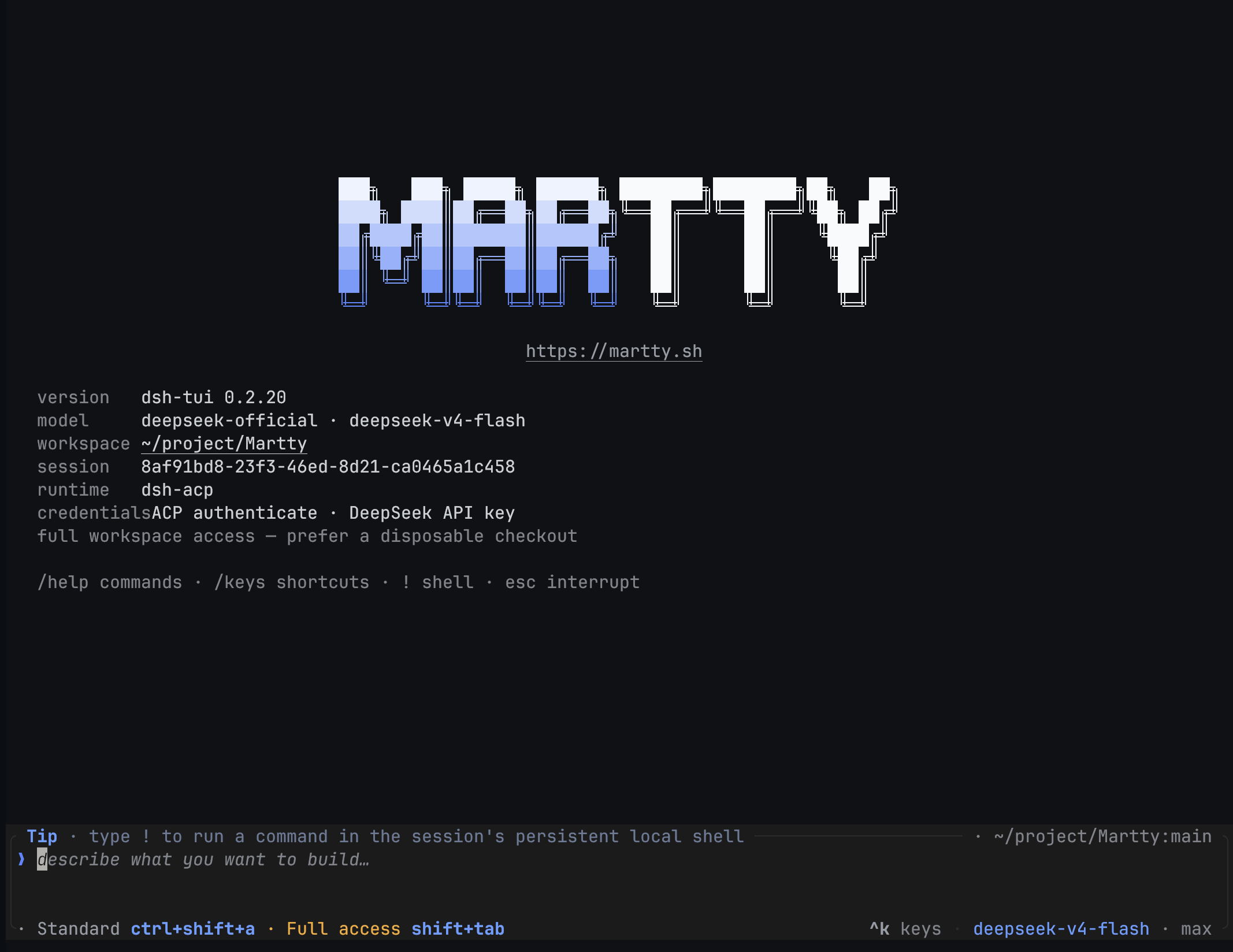
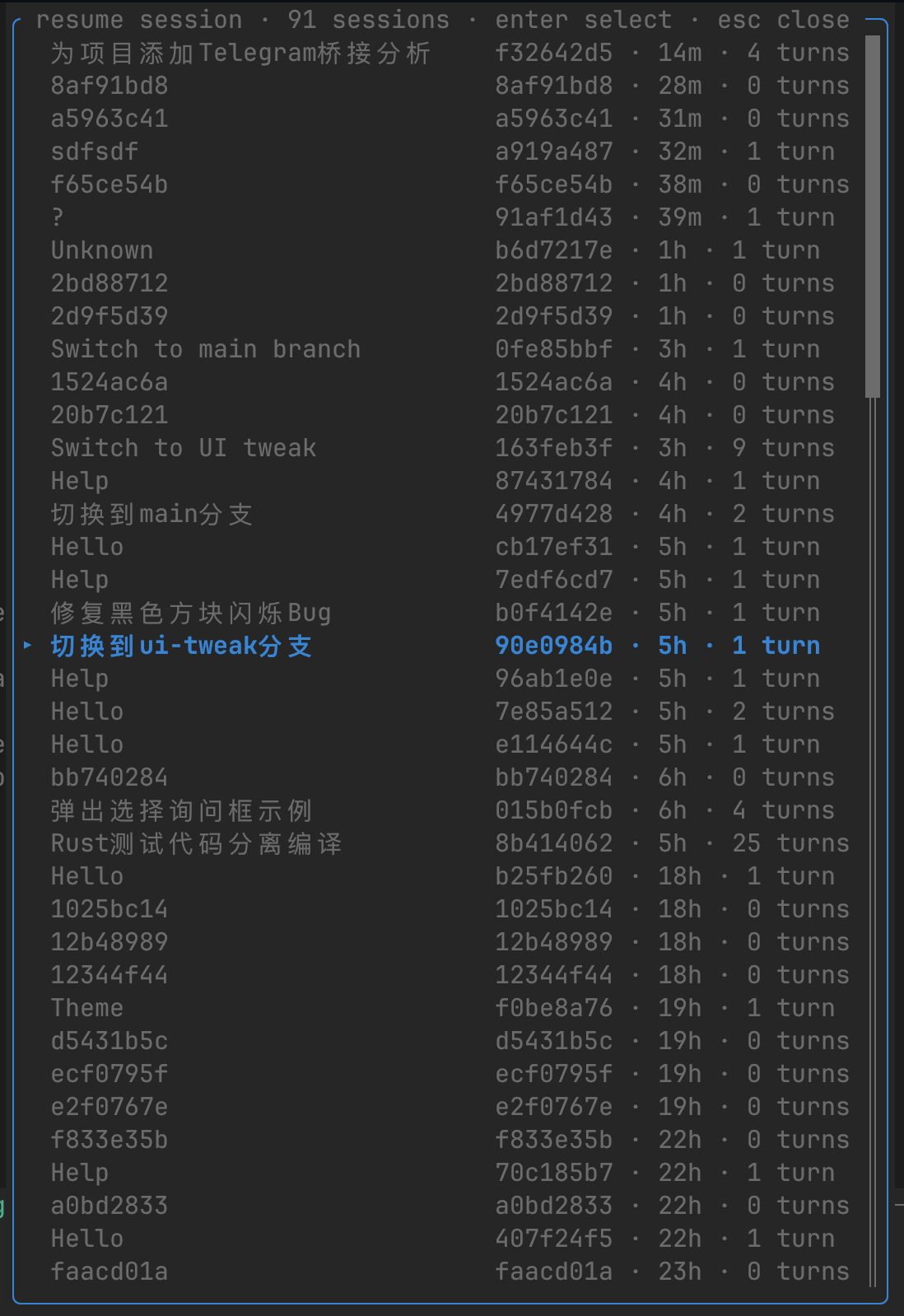
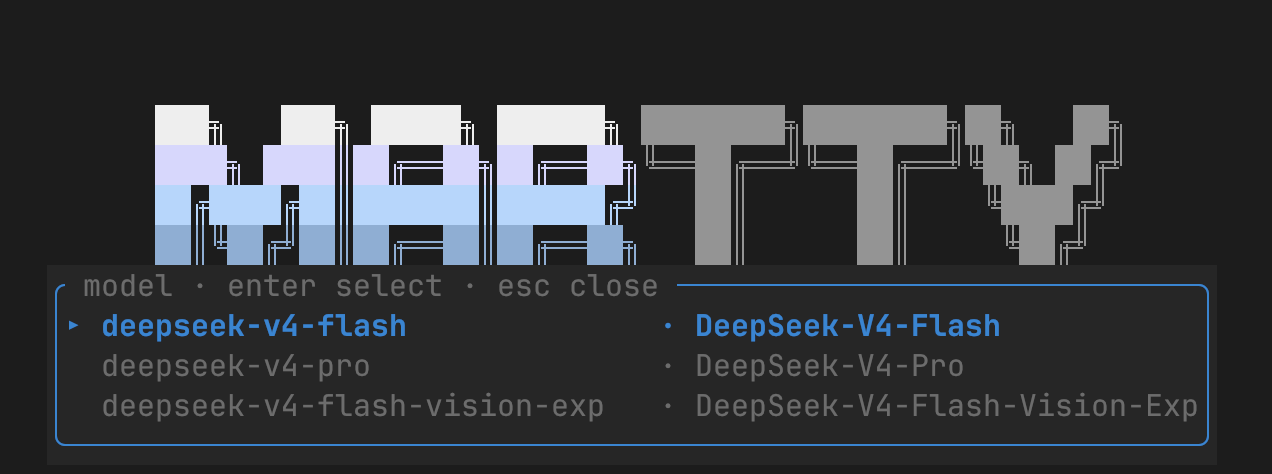
Martty renders the full agent workflow in the terminal: streamed replies, reasoning, tool calls, subagents, plans, token usage, and durable sessions. Below are the start screen, session resume, and model selection.
Full agent timeline
Reasoning, replies, tool arguments and results, plugin context, subagent lifecycles, and token/cache metrics — with a live status line for phase, elapsed time, and queue depth.
Multi-image prompts
Stage up to eight images from files, clipboard, or paste. Editable `[image n]` chips preview name, dimensions, size, and type inline.
Native ACP capabilities
Read the agent's models, compositions, permissions, authentication methods, and commands. Skills and built-in commands share one searchable slash menu.
Guides and architecture
Go deeper into a specific setup or implementation path.
Previously used DeepSeek Harness TUI? Follow the Martty migration guide.
How to use
Essential keys and commands:
| Key / command | Behavior |
|---|---|
enter | Send; queue a follow-up while a turn is running |
ctrl+enter | Steer the active turn immediately (also ⌘⏎ on macOS) |
esc | Interrupt the current turn (draft survives) |
/ | Open the upward command and argument menu |
/model · /agent | Pick a model or an agent preset |
/harness · /auth | Configure or switch harnesses; authenticate using the agent's methods |
/permission · shift+tab | Pick or cycle permission modes |
/image <path> · /clip | Add a local image or the clipboard image |
/theme · ctrl+t | Pick a Theme Plugin or toggle dark/light variant |
/ui | Switch the whole UI composition (e.g. Martty / DeepSeek) |
/new · /resume | Start or resume a durable session |
/session prev · /session next | Navigate tabs with separate drafts and queues |
/close | Close this tab without deleting history or cancelling remote work |
!cmd | Run a command in the session-local shell in the workspace |
/help · /keys | List commands and the full shortcut reference |
Markdown, code blocks, and tool output use native terminal interaction; tool results collapse to the last four lines and expand on click. Image previews, clipboard routing, and kitty image protocol adapt to terminal capabilities.